
Scroll Viewport

Using Design Tokens in Custom CSS

Leverage the power of Viewport's design token system inside the Help Center theme's custom CSS. Use tokens to create new theme styles that align your theme's appearance with your brand's needs.

Pick CSS custom property keys from the list of all design tokens and use them in your theme's custom CSS like shown in the following example.

Changing font family and sizes

To change the default Help Center theme font for body and headings to a different one, we recommend injecting your code similar to the example below.

Example

CSS
:root {
  --K15t-font-family-body: Helvetica, Arial, ui-sans-serif, serif;
  --K15t-font-family-headline: Georgia, ui-serif, serif;
  --K15t-font-size-headline-large: 3rem;
  --K15t-font-size-headline-medium: 2.125rem;
  --K15t-font-size-headline-small: 1.5rem;
} 

Changing more of the look and feel

By leveraging Viewport’s underlying design token system you are able to customize the look and feel of the Help Center even further to your needs.

Use as many theme editor features — like header and footer colors — as possible and extend it by using design tokens.

Example 1
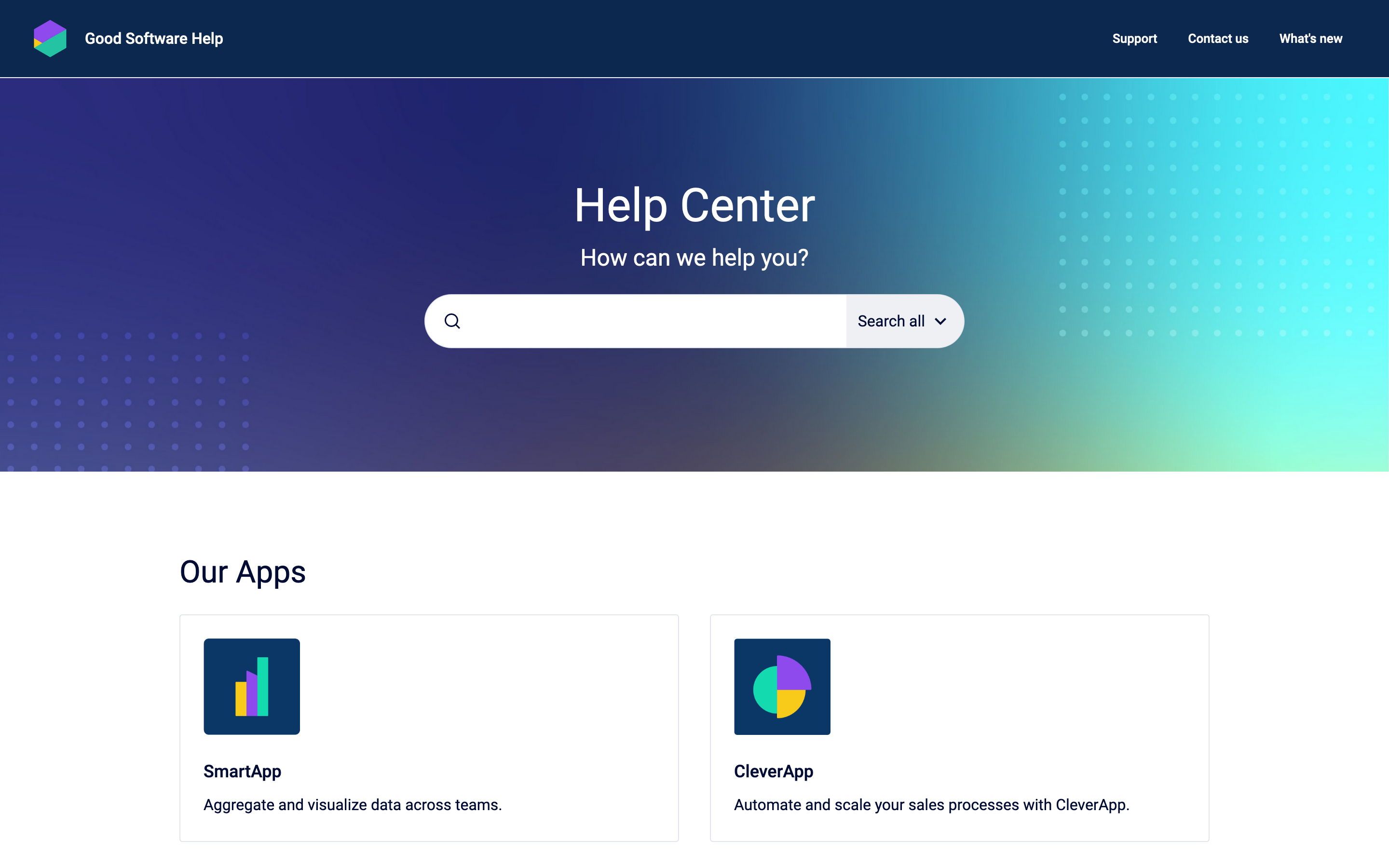
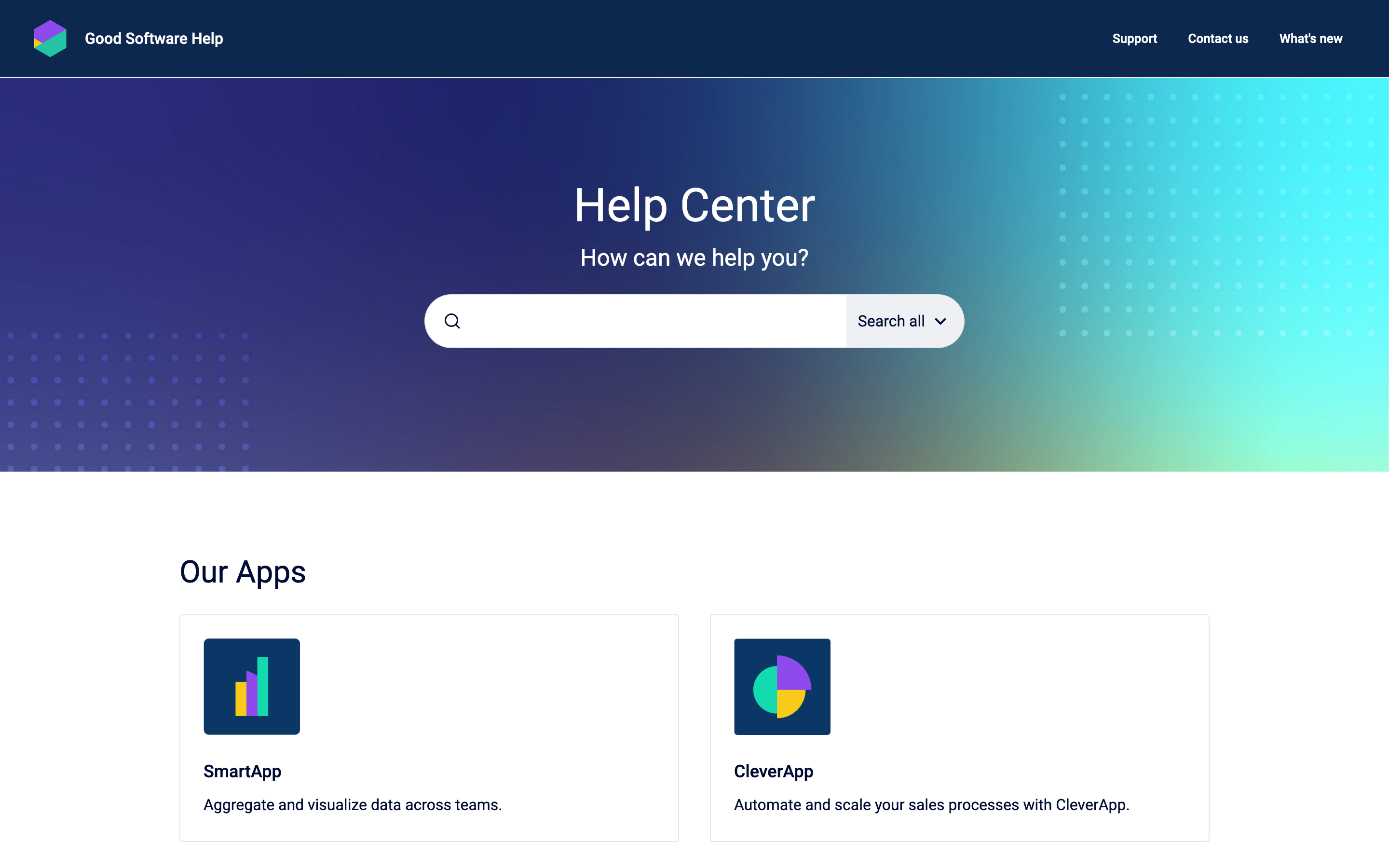
image-20230824-115018.png
Before: Portal page
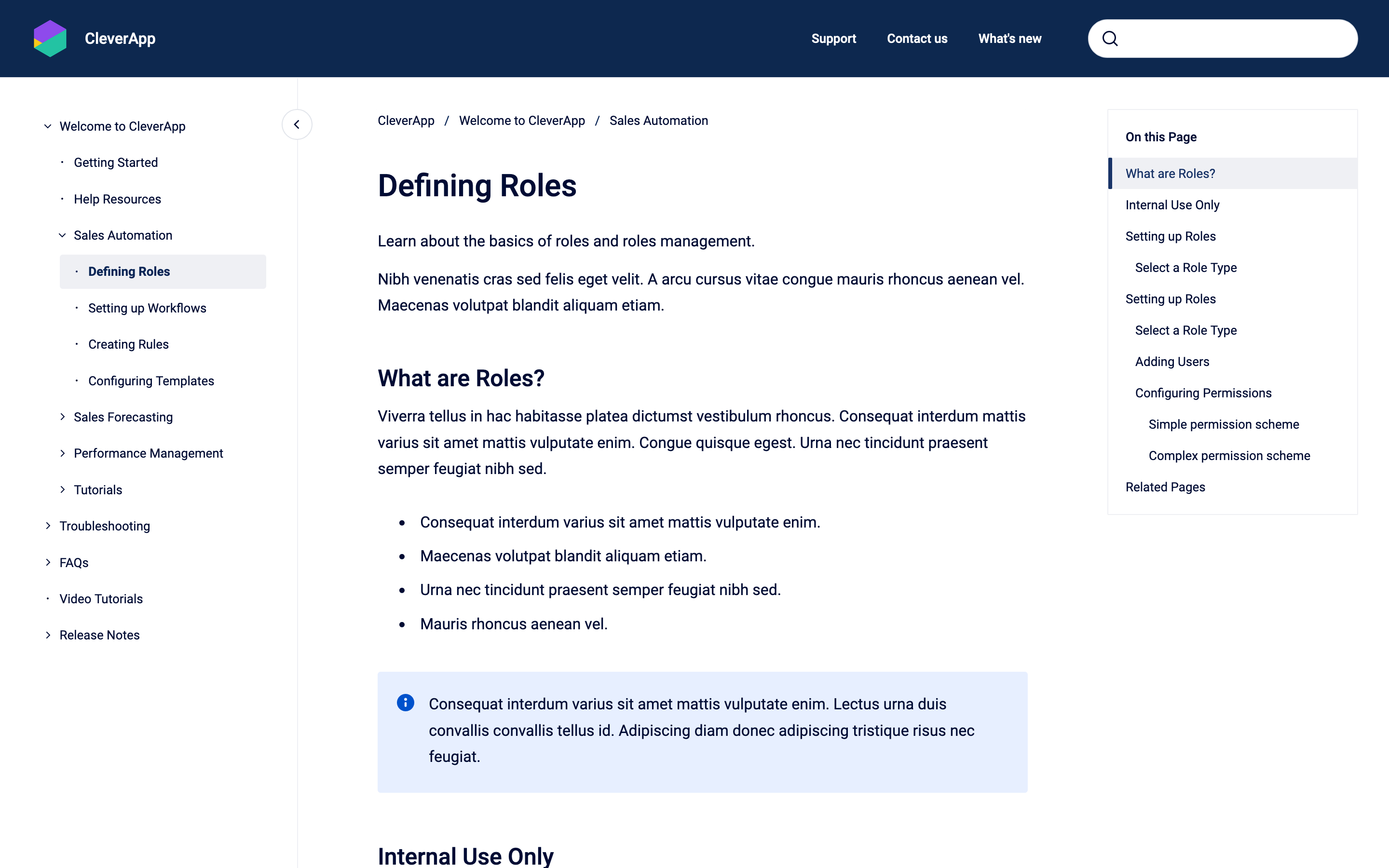
image-20230824-115105.png
Before: Article page


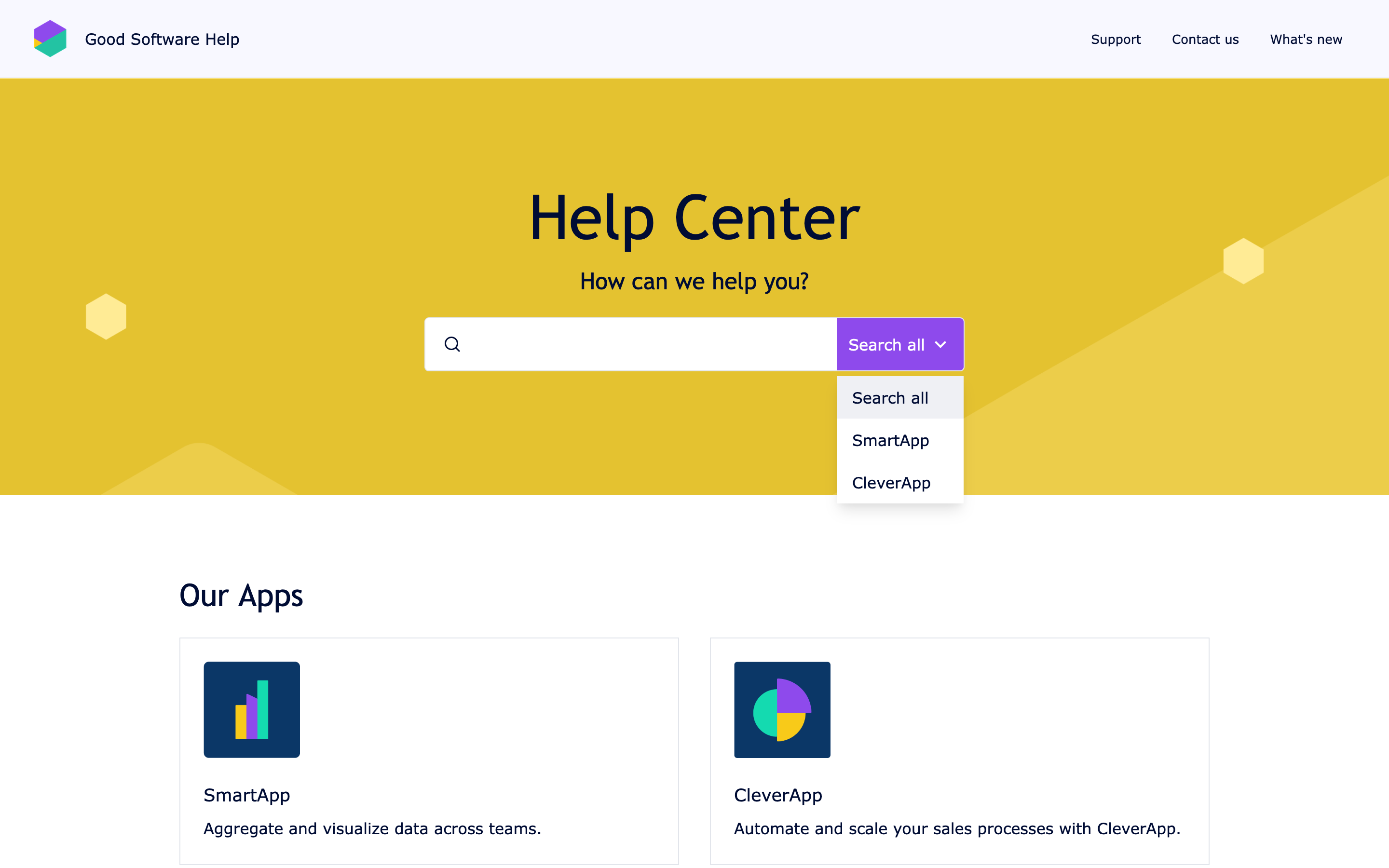
image-20230824-115442.png
After: Portal page
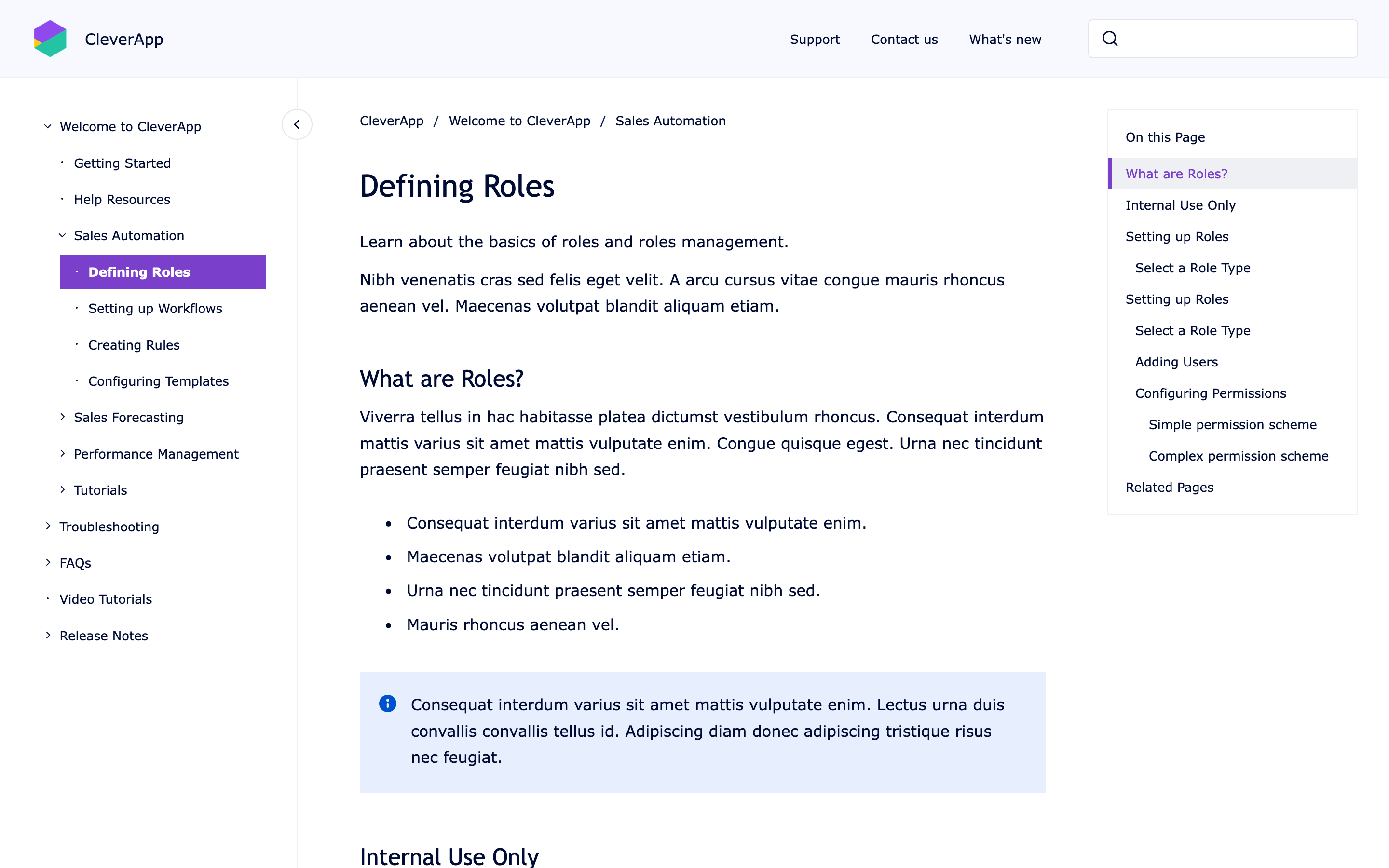
image-20230828-083110.png
After: Article page


Custom CSS
CSS
/* Example: A light and colorful theme style that supports the brand appearance */
:root {
  --K15t-font-family-headline: "Trebuchet MS", ui-sans-serif, sans-serif;
  --K15t-font-family-body: "Verdana", ui-sans-serif, sans-serif;;
  --K15t-header-background: ghostwhite;
  --K15t-header-foreground: black;
  --K15t-banner-background: gold;
  --K15t-banner-foreground: black;
  --K15t-footer-background: ghostwhite;
  --K15t-footer-foreground: black;
  --K15t-foreground-brand: darkmagenta;
  --K15t-foreground-on-brand: white;
  --K15t-background-brand-selected: darkmagenta;
  --K15t-radius-factor: 0.125;
}

Example 2

image-20230824-115037.png
Before: Portal page
image-20230824-115105.png
Before: Article page
Screen Shot 2023-11-08 at 11.50.16.png
After: Portal page
Screen Shot 2023-11-08 at 11.33.06.png
After: Article page


Custom CSS
CSS
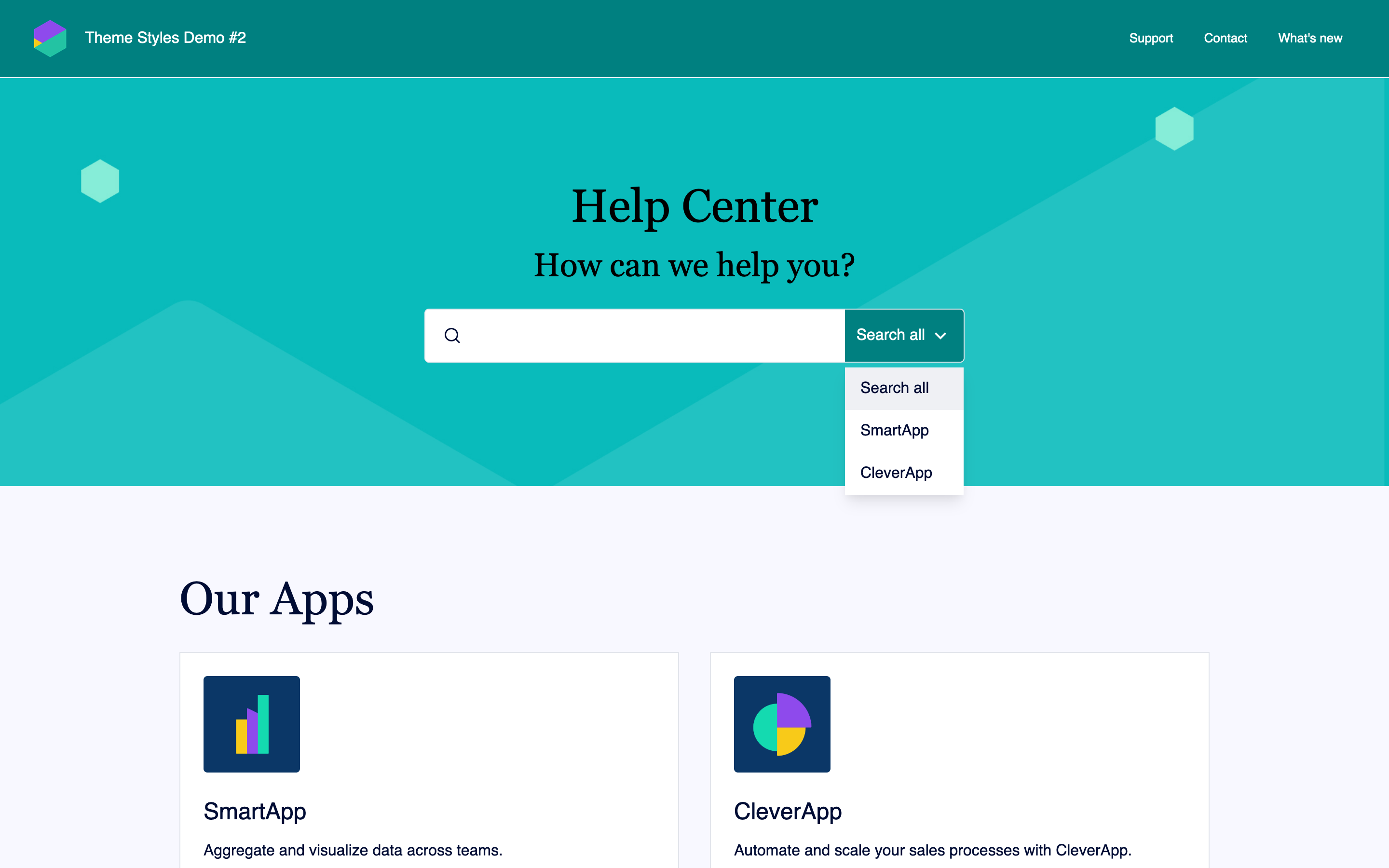
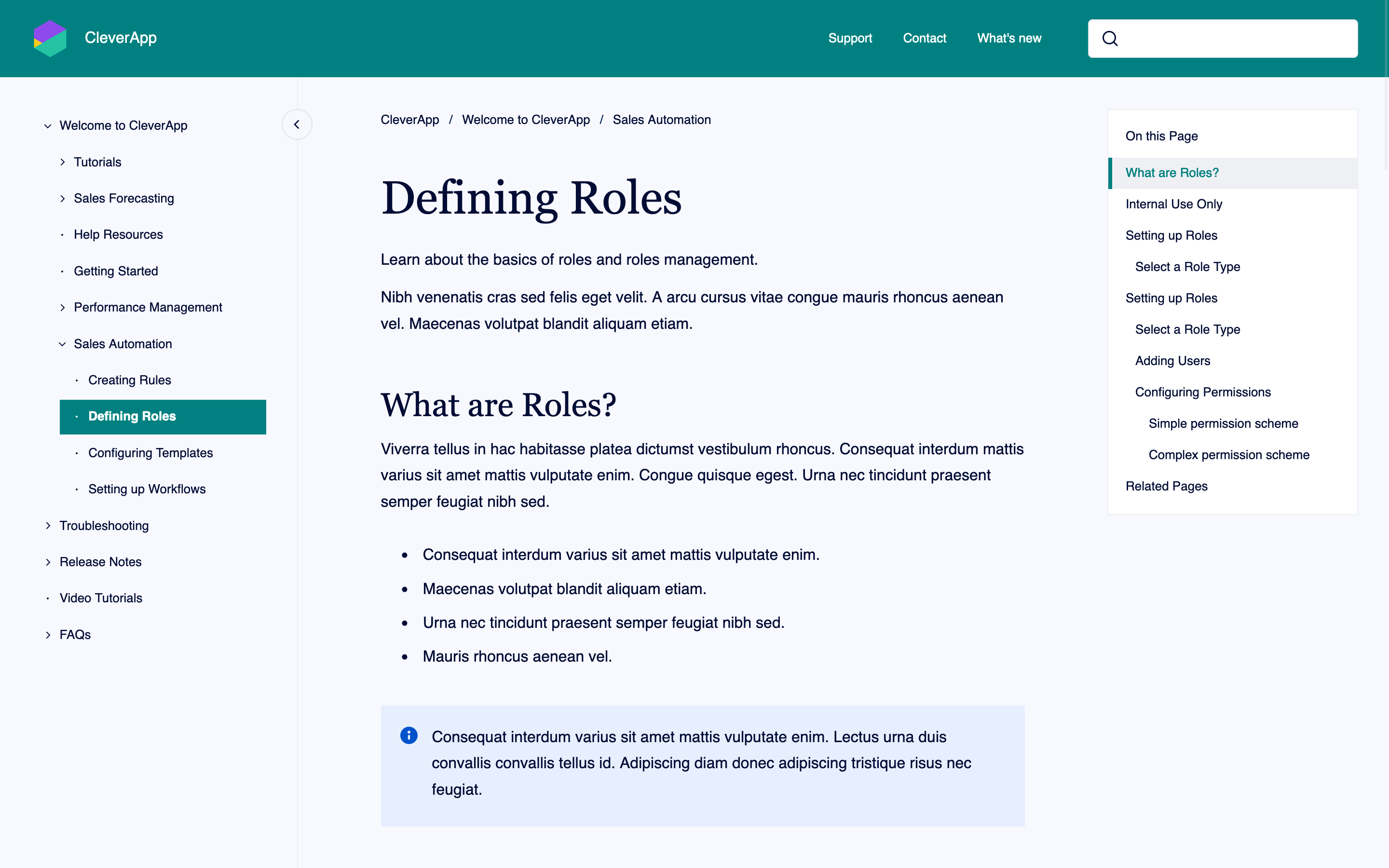
/* Example: A light but strong, teal, edgy and elegant theme style */
:root {
  --K15t-font-family-headline: "Georgia", ui-serif, serif;
  --K15t-font-family-body: "Garamond", ui-sans-serif, sans-serif;
  --K15t-font-size-headline-large: 3rem;
  --K15t-font-size-headline-medium: 2.125rem;
  --K15t-font-size-headline-small: 1.5rem;
  --K15t-header-background: teal;
  --K15t-header-foreground: white;
  --K15t-banner-foreground: black;
  --K15t-footer-background: ghostwhite;
  --K15t-footer-foreground: black;
  --K15t-surface: ghostwhite;
  --K15t-background-brand-selected: teal;
  --K15t-foreground-brand: teal;
  --K15t-foreground-on-brand: white;
  --K15t-link: teal;
  --K15t-radius-factor: 0.125;
}

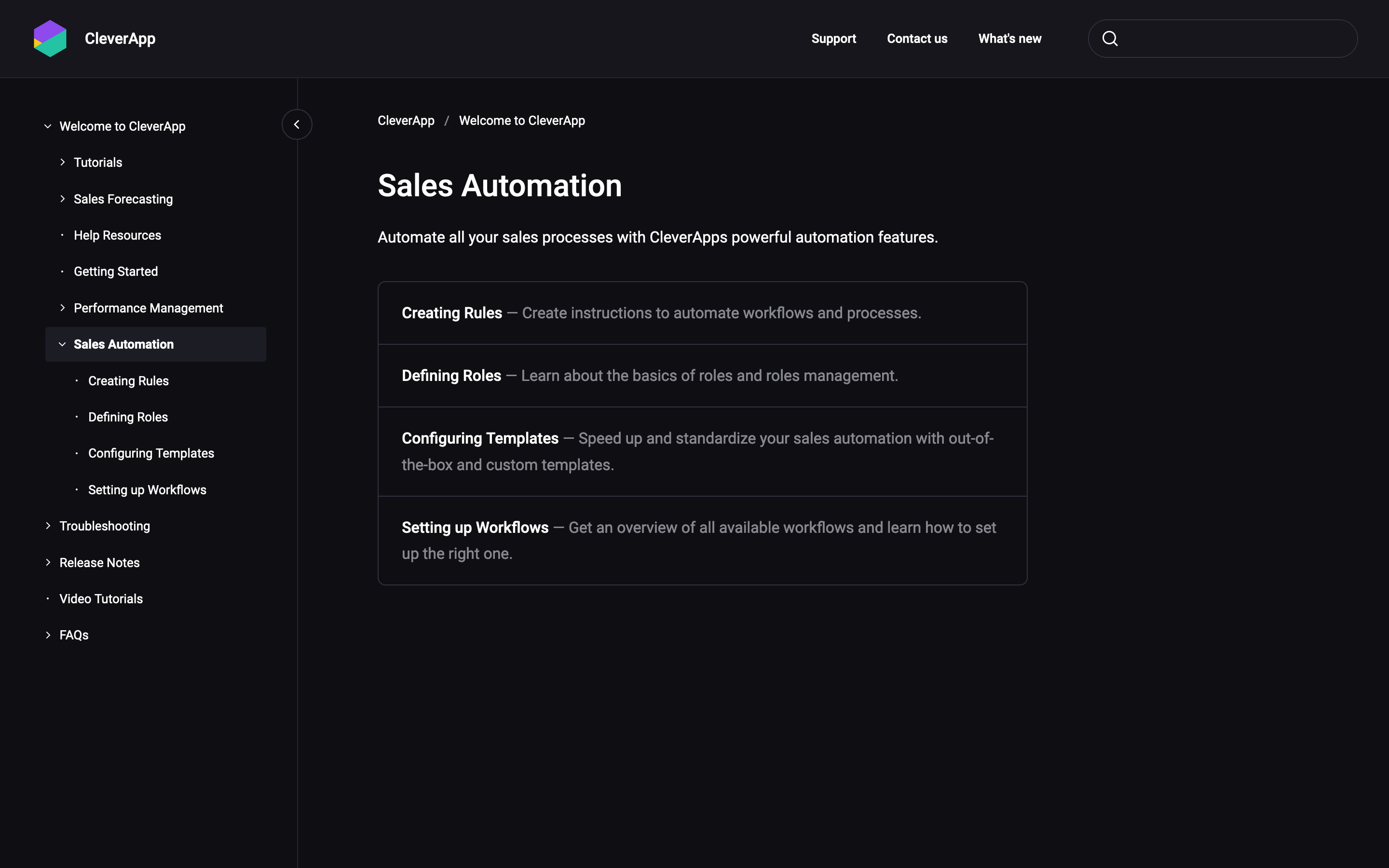
🚧 Example 3 (Experimental)

Screen Shot 2023-11-08 at 11.11.01.png
Article page with experimental dark theme style